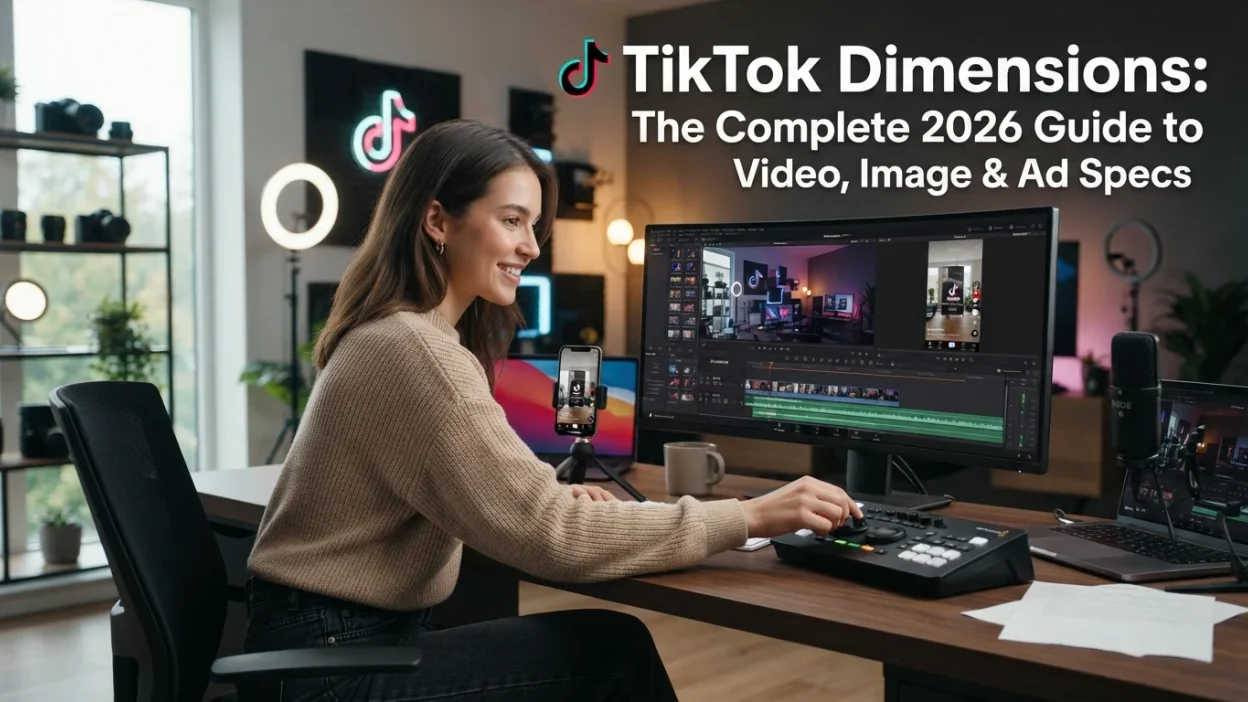
TikTok looks simple when you’re scrolling, but the moment you try to create something that fills the screen perfectly, the numbers start to matter. Upload a video with the wrong dimensions and you get black bars, blurry text, or content that gets cut off by the app’s interface. Post a carousel that’s slightly off and the whole thing looks unprofessional.
The confusion usually comes from mixing up three different measurements. There’s the aspect ratio—the shape of the frame. There’s the resolution—how many pixels make up that frame. And then there’s the safe zone—the part of the screen that isn’t covered by TikTok’s buttons, captions, and interface elements. Getting all three right is what separates a video that looks native from one that looks like it was squeezed into the wrong box.
This guide breaks down every TikTok dimension you need in 2026, from standard videos and carousels to profile photos and in-feed ads. You’ll get exact pixel counts, the correct aspect ratios, and practical tips for keeping your content inside the visible area.
The standard TikTok video dimension is 1080 × 1920 pixels with a 9:16 vertical aspect ratio.
That’s the gold standard. But there’s a lot more to know depending on what you’re posting.
Every TikTok Dimension Converts To
Before diving into each format, here’s how the core TikTok dimensions break down across the units and ratios people search for.
| Format | Pixels (W × H) | Aspect Ratio | Orientation |
|---|---|---|---|
| Standard Video | 1080 × 1920 | 9:16 | Vertical |
| Minimum Video | 540 × 960 | 9:16 | Vertical |
| Landscape Video | 1920 × 1080 | 16:9 | Horizontal |
| Square Video | 1080 × 1080 | 1:1 | Square |
| Profile Photo | 200 × 200 | 1:1 | Square |
| Carousel Image | 1080 × 1920 | 9:16 | Vertical |
| Ad (Vertical) | 540 × 960 min | 9:16 | Vertical |
| Ad (Landscape) | 960 × 540 min | 16:9 | Horizontal |
| Ad (Square) | 640 × 640 min | 1:1 | Square |
The math behind aspect ratios is simple division. A 9:16 ratio means the width is 9 units for every 16 units of height. To check if your video fits, divide the width by the height. For 1080 × 1920, that’s 1080 ÷ 1920 = 0.5625, which equals 9/16. If your number is higher, your video is wider than TikTok’s native format. If it’s lower, it’s narrower.
Resolution is a separate matter. TikTok recommends 1080 × 1920 for the sharpest result, but it accepts lower resolutions as long as the aspect ratio matches. The minimum for standard videos is 540 × 960, though anything below 720 × 1280 will look soft on modern phones.
Where TikTok Sizes Sit on the Social Media Scale

TikTok’s 9:16 vertical format has become the default for short-form video across almost every platform. Instagram Reels, YouTube Shorts, and Snapchat Spotlight all use the same dimensions, which means a video made for TikTok can be repurposed almost anywhere without resizing.
Compared to other social platforms, TikTok’s dimensions are the tallest. Instagram feed posts max out at 1080 × 1350 (4:5 ratio), which is shorter than TikTok’s full-screen frame. Twitter/X images display at 1200 × 675 (16:9), and Facebook feed posts work best at 1200 × 630. TikTok is the only major platform where the vertical 9:16 format dominates the entire experience.
That’s why the 1080 × 1920 standard matters so much. It’s not just a TikTok size—it’s the universal short-form video size. Master it once and you’re set for Reels, Shorts, and every other vertical video surface.
TikTok Video Dimensions: The Full Breakdown
TikTok’s native video format is vertical, full-screen, and designed for one-handed scrolling. Here’s exactly what that means in pixels.
Standard TikTok Video (9:16 Vertical)
The recommended dimension is 1080 × 1920 pixels with a 9:16 aspect ratio. This fills the entire screen on virtually every mobile device without black bars, pixelation, or cropping. TikTok compresses every upload, so starting at 1080 × 1920 gives the algorithm the most detail to work with after compression.
The minimum resolution TikTok accepts is 540 × 960, but that will look noticeably softer on modern screens. If you can’t hit 1080 × 1920, aim for at least 720 × 1280 to maintain acceptable quality.
Landscape TikTok Video (16:9 Horizontal)
TikTok accepts landscape videos at 1920 × 1080 or 960 × 540 minimum with a 16:9 ratio. But there’s a catch: landscape videos under 60 seconds get black bars above and below the content, which shrinks the visible area and can hurt engagement.
Landscape videos that are one minute or longer get a different treatment. TikTok shows a “Full Screen” prompt encouraging viewers to rotate their phone, replicating the YouTube viewing experience. To unlock this, your video must be 16:9, at least 60 seconds long, and uploaded rather than filmed in the app.
Square TikTok Video (1:1)
Square videos at 1080 × 1080 or 640 × 640 minimum are supported but not recommended. They display with black bars above and below, wasting screen space on a platform designed for vertical content. Square format works better for carousel images than for videos.
TikTok Video Length & File Limits
Videos filmed inside the TikTok app can run up to 10 minutes. Pre-recorded videos uploaded to the app can be up to one hour long.
File size limits depend on how you upload:
Supported file formats are MP4 and MOV.
TikTok Image, Carousel & Profile Dimensions

TikTok isn’t just video anymore. Photo mode and carousel posts have become a significant part of the platform, and they follow their own sizing rules.
TikTok Carousel (Photo Mode) Images
Carousel images should use the same 1080 × 1920 dimensions and 9:16 aspect ratio as standard videos. This keeps the visual experience consistent and ensures each image fills the screen when swiped.
TikTok supports up to 10 images per carousel (or up to 35 for ad carousels). Square and landscape images are accepted, but they’ll display with letterboxing or blurred padding, which breaks the full-screen immersion.
TikTok Profile Photo
The recommended profile photo size is 200 × 200 pixels with a 1:1 square ratio. TikTok accepts images as small as 20 × 20 pixels, but anything below 200 × 200 will look blurry or pixelated when displayed. Upload at 400 × 400 if you want extra sharpness for future-proofing.
TikTok Cover Image / Thumbnail
Your video cover or thumbnail uses the same 1080 × 1920 frame as the video itself. TikTok lets you select a frame from your video or upload a custom cover image. Keep the important visual elements centered so they aren’t cropped in different display contexts.
TikTok Ad Dimensions
TikTok ads follow slightly different rules than organic posts, especially around minimum resolutions and safe zones.
In-Feed Ads (Non-Spark)
For standard in-feed ads, TikTok recommends:
- Vertical (recommended): 9:16, minimum 540 × 960 pixels
- Horizontal: 16:9, minimum 960 × 540 pixels
- Square: 1:1, minimum 640 × 640 pixels
File formats are MP4, MOV, MPEG, 3GP, or AVI. Maximum file size is 500 MB, and the minimum bitrate is 516 kbps.
Spark Ads
Spark Ads are organic posts that get promoted, so they follow the same dimensions as regular TikTok videos. There’s no restriction on video duration for Spark Ads.
Ad Profile Photo
For non-Spark ads, the profile photo should be 98 × 98 pixels in a 1:1 square, with a maximum file size of 50 KB. Keep key elements within a central 66 × 66 pixel area to avoid cropping.
The Safe Zone
Every TikTok video has a safe zone—the area not covered by the app’s interface elements. The right side is occupied by the like, comment, and share buttons. The bottom holds the caption, music info, and navigation bar. The top has the “Following” and “For You” tabs.
For vertical videos, keep important text, faces, and product shots within the central portion of the frame. TikTok provides downloadable safe zone templates, but the general rule is to leave roughly 15% margin on the right and bottom for interface elements.
TikTok Dimension FAQs
What is the best resolution for TikTok videos?
The best resolution is 1080 × 1920 pixels with a 9:16 aspect ratio. This is Full HD vertical and provides the sharpest result after TikTok’s compression. Lower resolutions like 720 × 1280 work but lose detail.
What happens if I upload a video with the wrong dimensions?
Videos that don’t match the 9:16 ratio get black bars added to fill the screen. Landscape videos under 60 seconds get bars above and below. Square videos get bars as well. These bars reduce the visible area and can make your content look smaller and less engaging.
What is the minimum video resolution TikTok accepts?
TikTok accepts vertical videos as low as 540 × 960 pixels for ads, and 720 × 1280 is the practical minimum for organic content that looks acceptable on modern phones.
What size should a TikTok profile photo be?
Upload your profile photo at 200 × 200 pixels minimum. TikTok recommends this size, though you can upload larger images (like 400 × 400) for sharper display. The minimum accepted size is 20 × 20 pixels.
What is the maximum video length on TikTok?
Videos recorded in the app can be up to 10 minutes. Pre-recorded videos uploaded to the app can be up to one hour.
What file formats does TikTok support?
TikTok supports MP4 and MOV for standard uploads. For ads, it also accepts MPEG, 3GP, and AVI.
What is the maximum file size for TikTok uploads?
Desktop uploads allow up to 500 MB, iOS uploads up to 287 MB, and Android uploads up to 72 MB. For ads and auto-publishing workflows, the limit can be higher.
How do I make sure my text doesn’t get covered by TikTok’s interface?
Keep text within the central safe zone. Leave about 15% margin on the right and bottom of the frame for TikTok’s buttons and captions. TikTok offers downloadable safe zone templates in the Ads Manager for precise placement.
Where That Leaves You
The standard TikTok video dimension is 1080 × 1920 pixels at a 9:16 vertical aspect ratio. That’s the number to remember for videos, carousels, and covers. Profile photos use 200 × 200 pixels in a square format, and ads follow the same 9:16 vertical recommendation with a minimum of 540 × 960.
The strongest practical takeaway is this: shoot vertical, export at 1080 × 1920, and keep your text and faces away from the right and bottom edges. Those three habits will make your content look native on TikTok and every other short-form platform. For more measurement guides, check our articles on monster can dimensions and Door Dimensions.
Mr. Abdullah is a content writer at Mezvoro who creates helpful, engaging and easy-to-read content for online readers. His work focuses on sharing fresh ideas, useful guides and creative inspiration across a range of topics.